
Best Seller Icon Bestseller

CERTIFICATE In CERTIFICATE IN OFFICE AUTOMATION AND PRODUCTIVITY TOOLS (BASIC)(M-CIOAAPT(-5068)

  • Last updated Jan, 2026
  • Certified Course
₹999 ₹4,500

Course Includes

  • Duration2 Months
  • Enrolled0
  • Lectures31
  • Videos0
  • Notes0
  • CertificateYes

What you'll learn

Office Automation & Productivity Tools – Build Smart Office Skills


In today’s digital workplace, efficiency and productivity define success. The Office Automation & Productivity Tools course at Pemaji Academy is designed to help learners master essential office software and computer skills required in modern offices, corporate environments, and business operations.

This course focuses on building practical working knowledge of office tools that are widely used for documentation, data management, presentations, and daily office tasks. Learners gain hands-on experience to work confidently with documents, spreadsheets, presentations, and digital office systems—making them more productive, accurate, and professional.


Whether you are a student, job seeker, working professional, or business owner, this course helps you perform office work faster, smarter, and more efficiently. The training approach is beginner-friendly, job-oriented, and aligned with real office requirements.


Benefits of This Course

  • Improves overall office productivity and work efficiency
  • Builds strong foundation in essential office tools
  • Enhances digital and computer literacy
  • Increases confidence in handling daily office tasks
  • Saves time through smart work techniques
  • Suitable for beginners and non-technical learners
  • Job-oriented and practical learning approach


Career Opportunities After This Course

After completing the Office Automation & Productivity Tools course, learners can apply for roles such as:

  • Office Executive
  • Computer Operator
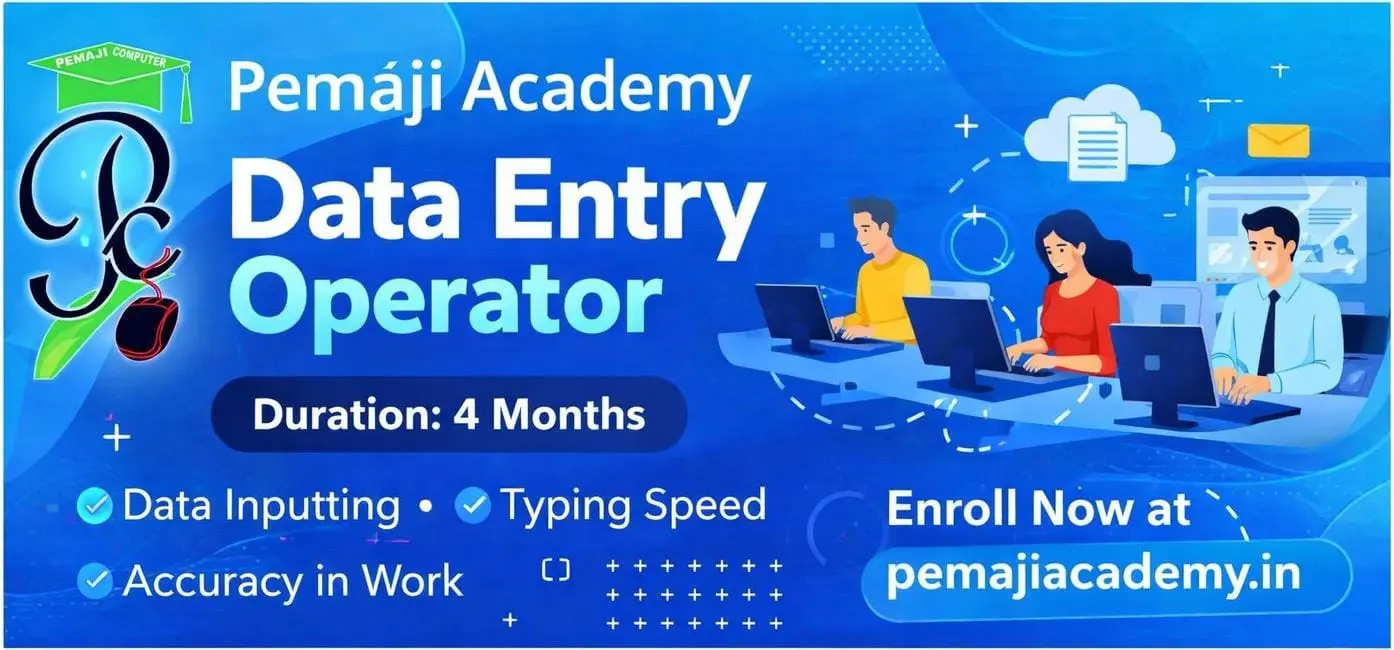
  • Data Entry Operator
  • Administrative Assistant
  • Back Office Executive
  • Front Office Coordinator
  • Office Assistant
  • Support Staff (Corporate & SMEs)

This course is also highly useful for freelancers, small business owners, and self-employed professionals to manage office work independently.


Eligibility Criteria

  • 10th or 12th Pass (Any Stream)
  • No prior computer knowledge required


Show More

Course Syllabus

Module 1: MS Word Basic


  • Introduction to MS Word Interface
  • Creating, Opening, Saving Documents
  • Text Formatting (Bold, Italic, Fonts, Sizes, Colors)
  • Paragraph Formatting (Alignment, Indentation, Spacing)
  • Bullets & Numbering
  • Insert Images, Shapes, Tables
  • Page Setup & Printing Options
  • Simple Mail Merge Introduction
  • File Management & Shortcuts


Module 2: MS Excel Basic


  • Excel Interface Introduction
  • Workbook & Worksheet Basics
  • Rows, Columns, Cells (Editing & Formatting)
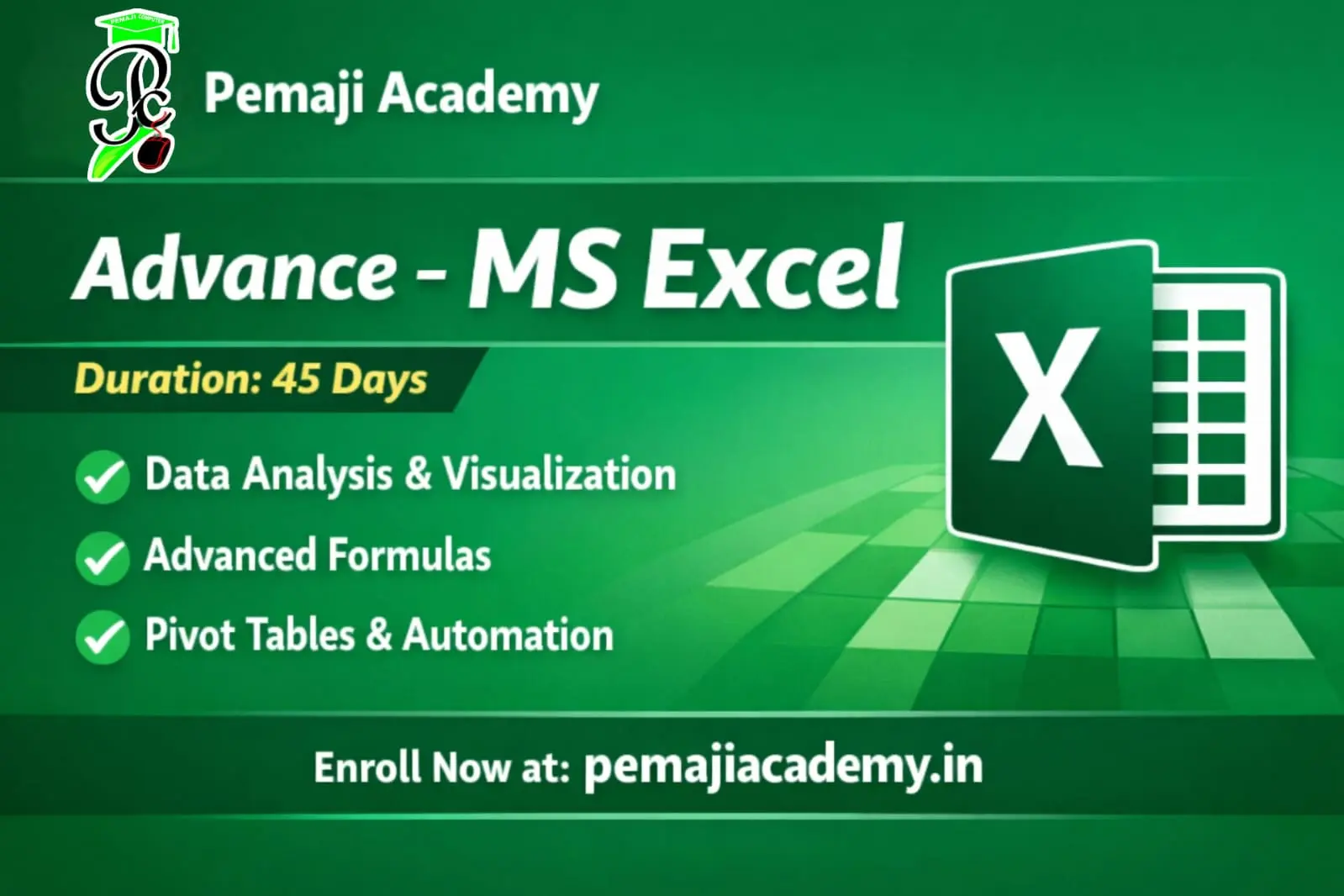
  • Basic Formulas (SUM, AVERAGE, MIN, MAX)
  • Cell Referencing (Relative & Absolute)
  • Sorting & Filtering Data
  • Simple Charts (Bar, Pie, Line)
  • Page Setup & Printing in Excel


Module 3: MS PowerPoint Basic


  • PowerPoint Interface Introduction
  • Creating New Presentation
  • Slide Layouts, Text Boxes, Themes
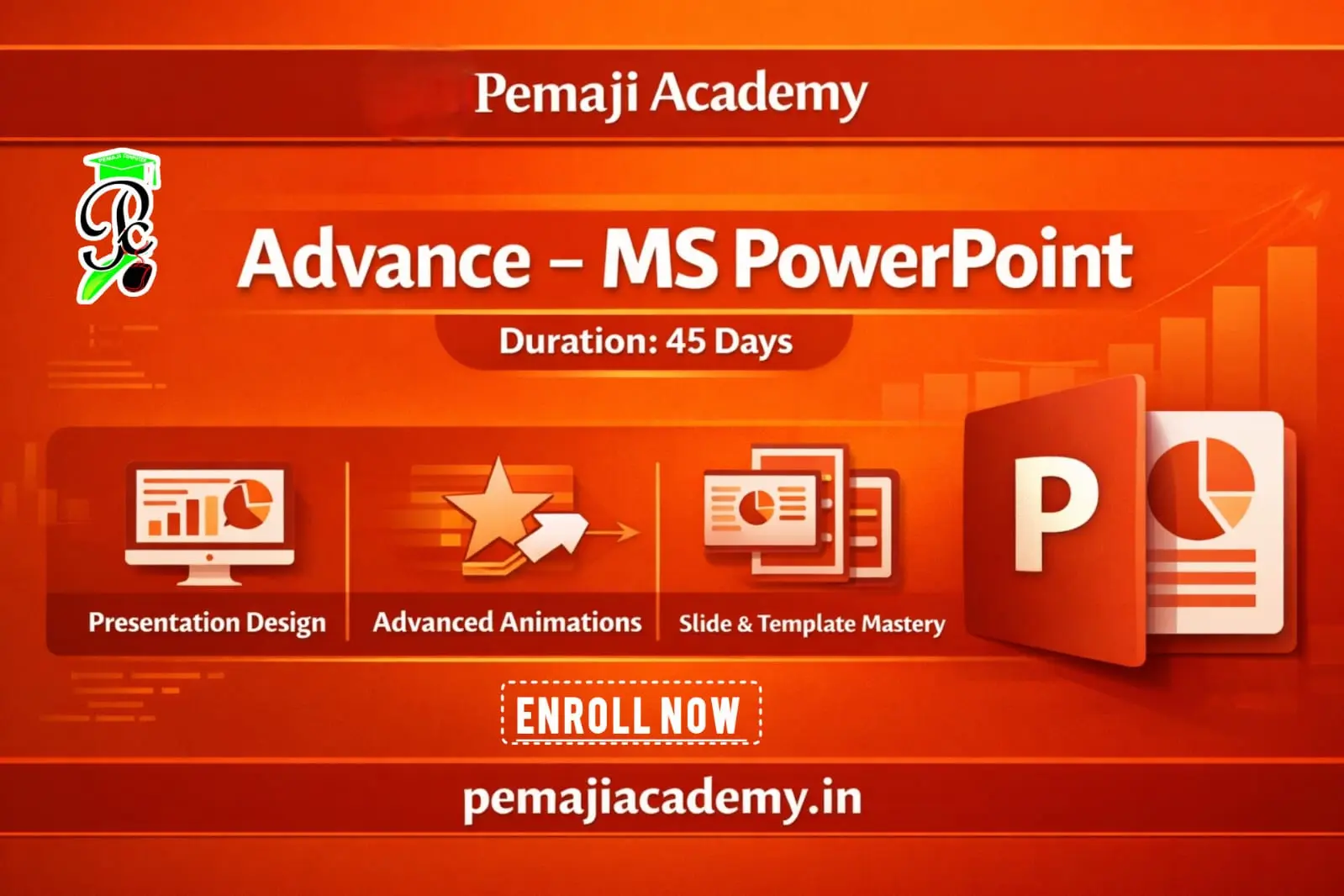
  • Inserting Images, Charts, Tables
  • Animations & Transitions (Basic Level)
  • Simple Slide Show Preparation
  • Printing Slides & Notes


Module 4: Computer Fundamentals

  • Basic Computer Concepts
  • File Management (Folders, Drives)
  • Internet Basics (Web Browsing, Email)
  • Introduction to Cloud Storage (Google Drive, OneDrive)


Module 5: Project Work

  • Prepare Word Document
  • Prepare Excel Sheet
  • Prepare PowerPoint Presentation (for practice & assignment)


Course Fees

Course Fees
:
₹4500/-
Discounted Fees
:
₹ 999/-
Course Duration
:
2 Months

Review

0.0
Course Rating (0 reviews)
0%
0%
0%
0%
0%